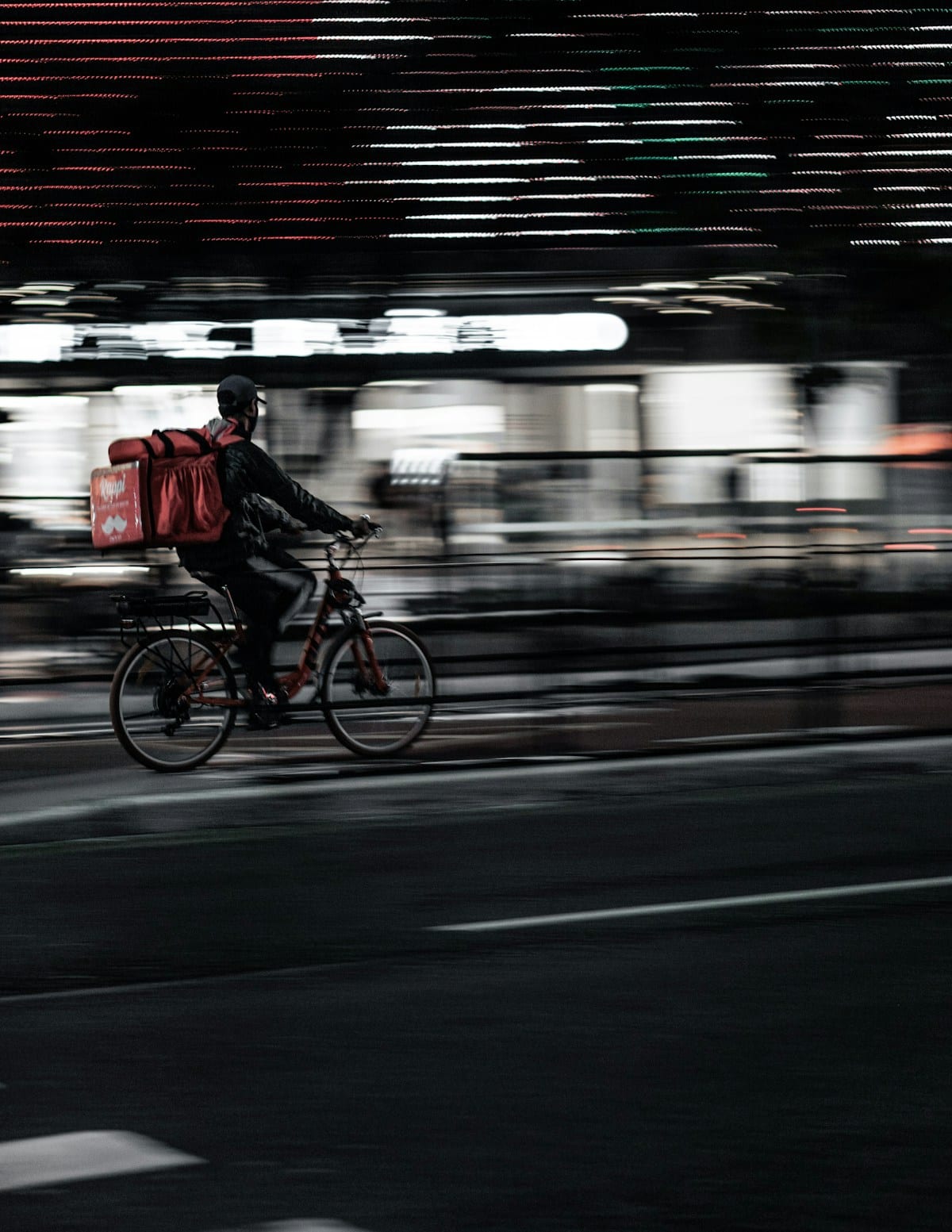
If you have ever watched a Korean drama, you have seen the scene. It is raining outside, the lead character is alone in their apartment, and thirty minutes later a delivery rider arrives with a bag of fried chicken and a bottle of soju. That experience — yasik (야식), Korea's late-night delivery culture — is not just for TV. As a foreigner staying in Korea, you can order food delivery to your Airbnb, guesthouse, or hotel room tonight, using an app on your phone, with a foreign Visa or Mastercard. This guide tells you exactly how to do it.
Korea's food delivery market is one of the largest in the world relative to population. Koreans order delivery at a per-capita rate that consistently ranks in the global top three. The infrastructure — riders, apps, restaurant coverage, speed — is built accordingly. Delivery to central Seoul neighborhoods typically arrives in 20–35 minutes. The apps are increasingly foreigner-friendly. The food selection covers everything from fried chicken and tteokbokki to sushi platters and late-night ramen. Once you know how to set it up, it is one of the most enjoyable parts of staying in Korea.
Yes, You Can Order Delivery as a Foreigner
The most common question is whether foreigners can actually use Korean delivery apps without a Korean phone number, Korean bank account, or Korean ID. The short answer is yes — with the right approach. There are a few friction points that catch people off guard, so this guide addresses each one directly.
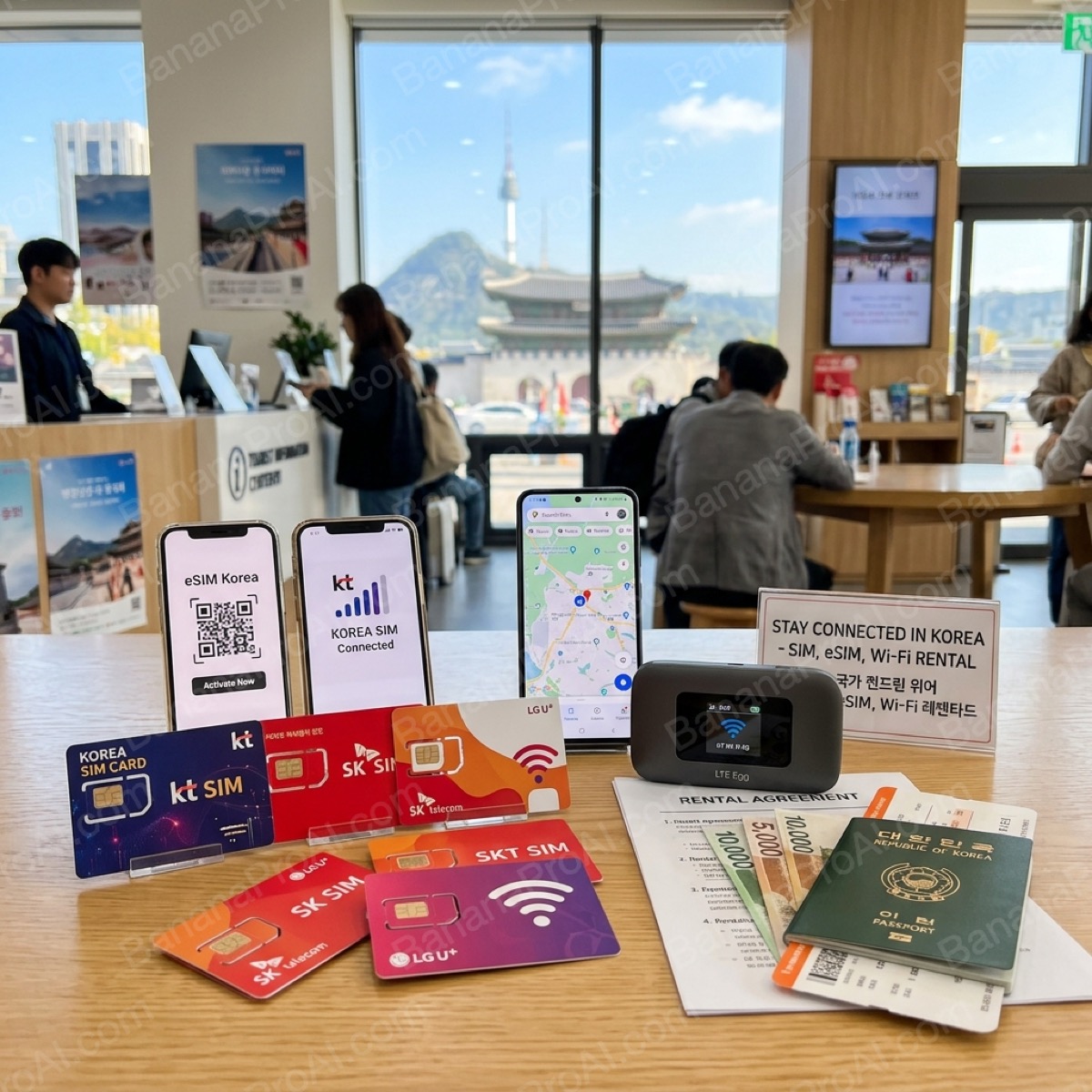
- Korean phone number: Required for Baemin (배달의민족) account creation. Not required for Coupang Eats if you sign in via a social account (Google or Apple). If you have a Korean SIM or a local number from a tourist SIM, all apps become straightforward. See the SIM card guide for tourist number options.
- Payment: Foreign-issued Visa and Mastercard credit cards can be registered directly in both Baemin and Coupang Eats. Kakao Pay and Naver Pay require a Korean bank account. Stick with your international card and registration is simple.
- English interface: Coupang Eats has a partial English UI and is the most foreigner-accessible app as of 2026. Baemin's interface is primarily Korean but the ordering flow is navigable with a translation app or the guidance in this guide.
- Address input: This is the most common sticking point. The section below covers address input step by step.
The Big Three Delivery Apps
These three apps cover 95% of all food delivery in Korea. Here's how they compare for foreigners:

Korea's #1 delivery app. Widest restaurant selection including delivery-only restaurants. Overseas cards accepted. Set language to English in settings.

Fastest average delivery times — often under 30 minutes. Overseas Visa/Mastercard accepted directly. Single-order focus means your food arrives hotter.

Built specifically for foreigners. Full English menus, international cards, English support. Perfect if the Korean apps feel overwhelming — no Korean required at any step.
Step-by-Step: How to Order
The steps below use Coupang Eats as the primary example, as it is the most accessible for foreigners. The Baemin flow is nearly identical once you have an account.
Step 1 — Download the App
Search "Coupang Eats" in the App Store (iOS) or Google Play Store (Android). The app is available worldwide. If you already have the Coupang shopping app installed, Coupang Eats is a separate app — download it independently. For Baemin, search "Baemin" or "배달의민족" — the icon is a cartoon character wearing a delivery helmet.
Step 2 — Create an Account
On Coupang Eats, tap "Sign in with Google" or "Sign in with Apple" on the login screen. This bypasses the Korean phone number requirement entirely. If prompted for a phone number as a secondary verification, enter your foreign number with the country code — this usually works for SMS verification via international numbers, though success varies by carrier. On Baemin, account creation requires a Korean mobile number for SMS verification. If you have a tourist SIM with a Korean number, use it here.
Step 3 — Enter Your Delivery Address
This is where most foreigners get stuck. Korean apps expect Korean-format addresses. Here is how to handle it:
- Open Naver Maps or KakaoMap and search for your accommodation by name.
- Find the Korean address displayed on the location page — it will look like: 서울 마포구 홍대입구로 XX (district, street, number).
- Copy the full Korean address.
- Paste it into the delivery app's address search field. Korean addresses in Hangul will resolve correctly in the app's address lookup.
- If your accommodation has a unit or room number, add it in the "detail address" (상세주소) field — for example: 301호 (Room 301) or 게스트하우스 3층 (Guesthouse 3rd floor).
Tip: Ask your accommodation host or front desk for their full Korean address at check-in. Save it in your phone's notes app for the duration of your stay — you will use it multiple times.
Step 4 — Browse Restaurants and Choose Food
The app's home screen shows restaurants available at your address. Categories are displayed with icons — chicken (치킨), Korean food (한식), Chinese-style (중식), pizza, and more. Tap any restaurant to see its menu. Most popular items have photos. Use Google Translate's camera function to read Korean menu descriptions if needed. Tap items to add them to your cart.
Step 5 — Add a Delivery Note
Before confirming your order, there is a field for delivery notes (배달 요청사항). This is where you can paste the phrase below to ask the rider to leave your food at the door — important for hotel rooms, guesthouses, or situations where you cannot meet the rider at the building entrance.
Copy and paste this phrase:
문 앞에 놓아주세요. 벨은 누르지 않아도 됩니다.
Pronunciation: mun ap-e no-a-ju-se-yo. bel-eun nu-reu-ji an-a-do dwem-ni-da.
Meaning: Please leave it in front of the door. You do not need to ring the bell.
This is the standard contactless delivery phrase used by millions of Koreans. Riders recognize it immediately and will leave your order at the door without waiting.
Step 6 — Payment
In the payment section, select "Add card" or "Credit/Debit card" and enter your foreign Visa or Mastercard details. The card number, expiry date, and CVV fields are standard. International billing addresses can be entered in the international address field. Once saved, the card will be available for all future orders. Confirm your order and wait — the app shows real-time rider tracking once the restaurant accepts your order.
What to Order — Top 5 Most-Delivered Foods in Korea
These are the categories that define Korean delivery culture. Each one has direct K-drama and K-pop cultural connections that make ordering them feel like participating in something beyond just eating.
1. Korean Fried Chicken (치킨)
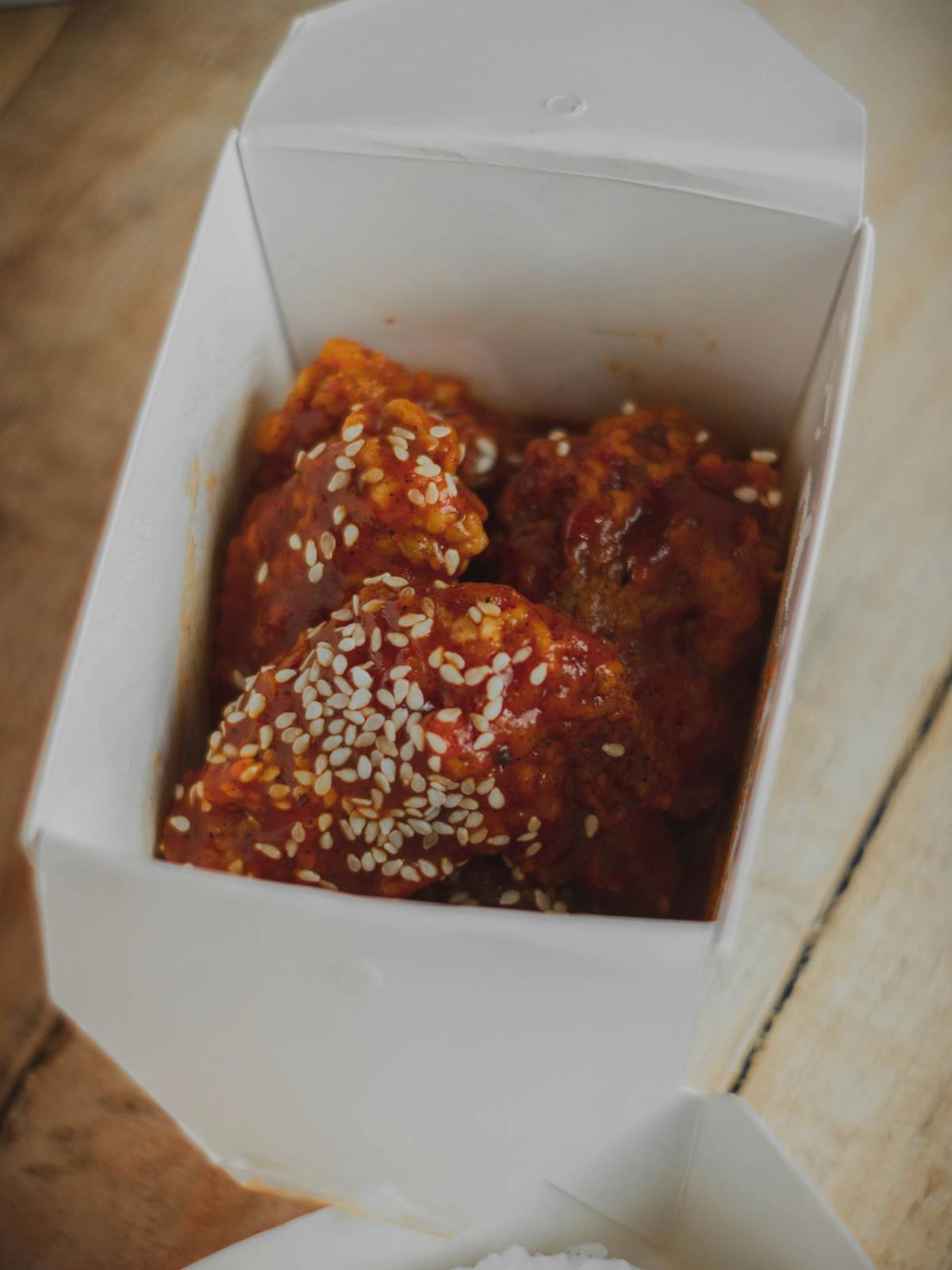
Fried chicken is the undisputed king of Korean food delivery. It accounts for more delivery orders than any other category and has a dedicated delivery infrastructure — most fried chicken chains exist primarily as delivery and takeaway operations with minimal or no dine-in space. The Korean fried chicken style is double-fried for extreme crispness, available in soy-garlic (간장치킨), spicy (양념치킨), honey-butter, and countless other glazes. Major chains available on delivery apps include BBQ Chicken, BHC, Kyochon, Goobne, and Pelicana. Ordering the chimaek (치맥) combo — fried chicken with a bottle of beer or a six-pack — is the quintessential Korean delivery experience, directly tied to the scene in My Love from the Star (별에서 온 그대) that made the combination globally famous. Most chicken delivery apps also deliver cola or beer alongside the food.
2. Tteokbokki + Sundae Set (떡볶이 + 순대 세트)
Tteokbokki (떡볶이) — chewy rice cakes in gochujang chili sauce — is Korea's most popular street food and one of its most-delivered items. On delivery apps it arrives packaged with fish cake (eomuk, 어묵), often with sundae (순대, Korean blood sausage with glass noodle filling), and sometimes with fried items (twigim, 튀김). Look for the "분식" (bunsik) category on the app — this covers the entire spectrum of Korean street food adapted for home delivery.
3. Jajangmyeon + Jjamppong (짜장면 + 짬뽕)
Korean-Chinese cuisine (junghwa, 중화) is one of Korea's original delivery food categories — black bean noodles (짜장면, jajangmyeon) and spicy seafood noodle soup (짬뽕, jjamppong) have been delivered to Korean homes since the 1970s. Both dishes are comfort food staples with no direct Chinese equivalent. The classic order is a set combining both — you get the rich, fermented black bean sauce noodles alongside the fiery red broth soup. Expect delivery times under 30 minutes from dedicated Chinese-Korean restaurants.
4. Pizza (한국식 피자)
Korean pizza is distinct from American or Italian versions — topped with sweet potato mousse, corn, potato wedges, cream cheese stuffed crusts, and bulgogi beef. Major chains including Domino's Korea, Pizza Hut Korea, Mr. Pizza, and local chains like Gopizza all deliver nationwide via the apps. Korean pizza menus are worth reading even if you end up ordering something familiar — the creativity of the toppings is a reflection of Korean food innovation culture.
5. Samgyetang + Korean Comfort Soups (삼계탕 / 찌개류)
Samgyetang (삼계탕) — whole young chicken stuffed with ginseng, rice, and jujube, simmered in a ginseng broth — is one of Korea's most revered restorative dishes, traditionally eaten during summer's hottest days (boknal, 복날). Many restaurants now offer it for delivery, sealed in vacuum packaging that keeps it hot for 30–40 minutes in transit. The same delivery category covers doenjang jjigae (된장찌개, fermented soybean paste stew), kimchi jjigae (김치찌개, kimchi stew), and sundubu jjigae (순두부찌개, soft tofu stew) — the full spectrum of Korean communal comfort food, deliverable to your door.
The Secret Option — Convenience Store Delivery (CU, GS25)
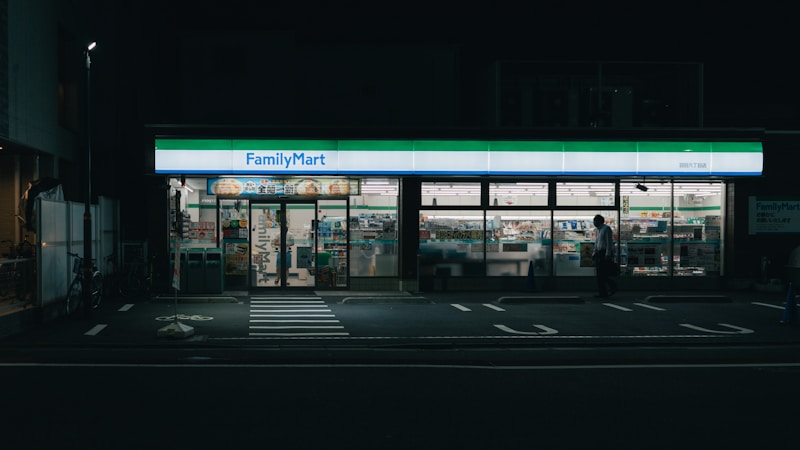
Most English-language guides focus exclusively on Baemin and Coupang Eats. They almost universally skip what is arguably the most foreigner-friendly delivery option in Korea: convenience store delivery.
Both CU (the chain with approximately 17,000 locations in Korea) and GS25 (similar scale) now offer rapid home delivery via their own apps. CU delivers through the 포켓CU (Pocket CU) app. GS25 delivers through the 우리동네GS (My Neighborhood GS) app. Both apps allow you to order convenience store items — snacks, drinks, instant food, triangle kimbap, beer, ice cream, even daily essentials — for delivery in 30–60 minutes.
Why is this particularly useful for foreigners?
- Lower minimum order amounts: Convenience store delivery typically has a minimum of ₩5,000–8,000, compared to ₩15,000–20,000 for restaurant delivery apps. Ideal for a solo snack order or a late-night beer run.
- No language barrier on food: You know what a triangle kimbap looks like. You know what Shin Ramyun is. The visual menu is immediately recognizable even without reading Korean.
- 24-hour availability: Many convenience store locations operate 24 hours. If you want food at 3am and restaurant options have stopped delivering, convenience store delivery is often still active.
- Foreign card friendly: Both apps accept international cards [confirm at registration time — payment options may vary by app version].
For the full guide to what to order from Korean convenience stores, see the Korea essential apps guide.
Delivery Costs, Minimums & Timing
Understanding the cost structure of Korean food delivery prevents surprises at checkout.
Delivery Fees (배달비)
Delivery fees in Korea are charged per order and vary by restaurant, distance, and current demand. The typical range is ₩1,000–₩5,000 (~$0.75–$3.75 USD), with an average around ₩2,500–3,000 for most central Seoul deliveries. Some restaurants offer free delivery for orders above a threshold. During peak hours — lunch (12:00–13:00), dinner (18:00–20:00), and late night (23:00 onward) — delivery fees can spike to ₩5,000–7,000 due to surge pricing. Rain and bad weather reliably push fees higher across all apps.
Coupang Eats subscribers (Rocket WOW membership) receive reduced delivery fees, but this membership requires a Korean payment method beyond just a card in some configurations — check current terms in the app.
Minimum Order Amounts (최소주문금액)
Most restaurants on Baemin and Coupang Eats require a minimum order of ₩15,000–₩20,000 (~$11–$15 USD). Some premium restaurants have minimums as high as ₩30,000. Budget-friendly options like tteokbokki shops often have lower minimums around ₩10,000–12,000. Convenience store delivery apps have the lowest minimums, typically ₩5,000–8,000.
Delivery Timing
Standard delivery times by situation:
| Situation | Expected Wait | Notes |
|---|---|---|
| Central Seoul, off-peak | 20–30 minutes | Typical weekday afternoon |
| Central Seoul, peak dinner | 30–45 minutes | 18:00–20:00 daily |
| Coupang Eats, single order | 15–25 minutes | Single-delivery model — fastest option |
| Rainy or typhoon weather | 45–90 minutes | Surge demand; some restaurants pause delivery |
| Late night (after 23:00) | 30–50 minutes | Fewer riders; longer wait but still reliable in Seoul |
| Outside major cities | 40–60+ minutes | Coverage and speed vary significantly |
The apps display real-time estimated arrival time after the restaurant confirms your order, with live rider tracking. The estimates are generally accurate — Coupang Eats in particular has a reputation for arriving within the estimated window.
Cost Summary Table
| Item | Cost (KRW) | Cost (USD approx.) | Notes |
|---|---|---|---|
| Delivery fee (standard) | ₩1,000–5,000 | ~$0.75–3.75 | Higher in rain or peak hours |
| Minimum order (restaurant apps) | ₩15,000–20,000 | ~$11–15 | Varies by restaurant |
| Minimum order (convenience store apps) | ₩5,000–8,000 | ~$3.75–6 | Lower threshold |
| Fried chicken (whole) | ₩18,000–28,000 | ~$13–21 | Most popular delivery item |
| Tteokbokki set | ₩12,000–18,000 | ~$9–13 | Typically includes fish cake & sundae |
| Jajangmyeon + jjamppong combo | ₩16,000–24,000 | ~$12–18 | Classic Chinese-Korean set |
| Pizza (medium) | ₩20,000–32,000 | ~$15–24 | Premium toppings inflate price |
Foreigner Tips & Common Pitfalls
Getting Your Address Right
Korean addresses follow a different format from Western ones: Province → City → District → Street → Building number → Unit. The key is always to start with the Korean-format address rather than trying to transliterate an English address. Use Naver Maps or KakaoMap to find your accommodation's Korean address, copy it, and paste it directly into the app. The delivery apps resolve Korean addresses reliably. They are less reliable with romanized English versions of Korean addresses.
For hotels: most hotels have a designated lobby or reception desk area for delivery. Riders are familiar with hotels. Either enter your room number in the notes field or use the door-drop phrase below and collect it from wherever the rider leaves it.
The Door-Drop Phrase — Copy and Paste
The single most useful thing a foreigner can have when ordering Korean food delivery is this phrase, ready to paste into the delivery notes field:
문 앞에 놓아주세요. 벨은 누르지 않아도 됩니다.
Meaning: Please leave it in front of the door. You do not need to ring the bell.
Save this phrase in your phone's notes app now. Every Korean delivery rider will recognize it immediately — contactless delivery (bimaerak, 비매락) is the norm rather than the exception in Korea since 2020.
Navigating a Korean-Language Menu
Most restaurant menus on delivery apps are in Korean. Strategies that work:
- Google Translate camera: Point your phone camera at the screen and Google Translate will overlay real-time translation. Works well enough to understand category names and major items.
- Order by photo: Most popular items have photos. If you recognize it visually, tap it regardless of whether you can read the name.
- Stick to category icons: The app's category filters (chicken icon, pizza icon, Korean food icon) narrow the restaurant list to what you want before you even open a menu.
- Read the ratings: Star ratings and review counts are visible on every restaurant card. High ratings with large review counts (1,000+) are a reliable quality signal regardless of language.
Hotel and Guesthouse Delivery
Hotels present a specific challenge: riders cannot typically access guest floors. The standard approach:
- Enter the hotel's full Korean address in the delivery address field.
- In the notes field, write your room number in Korean format: for example, 305호 (Room 305).
- Add the door-drop phrase: 문 앞에 놓아주세요.
- Alternatively, ask the hotel front desk if they accept deliveries on behalf of guests — most major hotels in Seoul do, and you simply collect from reception.
Guesthouses and Airbnb properties are generally simpler — the building entrance is usually accessible and the owner can often advise on the address format they use for deliveries.
Rain, Typhoon Season & Surge Delays
Korea's rainy season (jangma, 장마) runs from late June through mid-July, with typhoon alerts possible through September. On heavy rain days, delivery demand surges sharply — everyone orders in rather than going out — and delivery times can double or triple. Delivery fees rise significantly during weather events. If you are ordering during obvious bad weather, add 30–60 minutes to any stated estimate and set expectations accordingly. Some restaurants pause delivery during severe weather.
What Happens If Something Goes Wrong
Both Baemin and Coupang Eats have in-app customer service. For a wrong item or missing order, tap the order in your history and use the "help" or "문의" (inquiry) function. The resolution process is usually quick — a refund or redelivery for clear cases. Having screenshots of the incorrect order helps. The app interfaces for customer service are partially in English on Coupang Eats; Baemin's customer service is Korean-only in the app, but written Korean text can be translated.
FAQ
Can I use a foreign phone number to sign up for Baemin?
Baemin's account creation requires SMS verification to a Korean mobile number. Foreign numbers do not pass the verification. The workaround options are: (1) purchase a tourist SIM with a Korean number — see the SIM card guide — which gives you a Korean number that works for Baemin registration; or (2) use Coupang Eats instead, which does not require a Korean number when signing in via Google or Apple.
Will my foreign credit card work?
Foreign-issued Visa and Mastercard credit cards can be registered and used in both Baemin and Coupang Eats. Enter the card details in the payment section as you would on any international e-commerce site. Some users report that prepaid Visa cards and certain debit cards may not process — a standard credit card is the most reliable. If payment fails, try a different card or contact your bank to ensure international e-commerce transactions are enabled on your card.
Can I order delivery to a hotel?
Yes. Enter the hotel's Korean address, add your room number in the notes field, and either use the door-drop phrase or arrange with reception. Most Seoul hotels in tourist areas receive delivery orders daily and are well-equipped to handle them.
What if the restaurant is Korean-only and I cannot read the menu?
Use Google Translate's camera overlay function on your phone screen. For menus, this is faster and more accurate than typed translation. Alternatively, order by photo — most high-volume delivery restaurants have photos for their popular items. When in doubt, order the restaurant's most-reviewed item (usually shown first or marked with a badge).
Is delivery available outside Seoul?
Yes. Baemin operates nationwide across all major Korean cities including Busan, Incheon, Daegu, Daejeon, and Jeju Island. Coverage density decreases in rural areas and small towns. Coupang Eats has strong coverage in major metropolitan areas. In rural areas, Baemin will have better coverage. Delivery times outside Seoul are typically longer — 40–60 minutes rather than 20–35.
What time does delivery stop?
Many Korean restaurants deliver until midnight or later — some fried chicken chains deliver until 1am or 2am in Seoul. Convenience store delivery apps are generally available until midnight or later depending on store hours. The apps will show you which restaurants are currently accepting orders at your address — after midnight the list thins but rarely disappears entirely in central Seoul.
Is there a tipping culture for delivery riders?
No. Tipping is not practiced in Korea's delivery culture. The delivery fee built into the order is the total cost of the delivery service. Riders do not expect tips and the apps have no tip function. This is one way Korean delivery culture differs significantly from the United States and some other markets.
Related Guides
- Essential Korea Apps Guide — Coupang, KakaoMap, Naver Maps, and every app you need
- SIM Card & WiFi Guide — getting a Korean phone number for Baemin registration
- Solo Dining in Korea Guide — eating alone at restaurants, plus when delivery is the better choice
- Money & Payments Guide — using foreign cards in Korea across all contexts
- Getting Around Korea — T-money, subway, and how to navigate the city