Your Phone Is Your Best Travel Tool in Korea
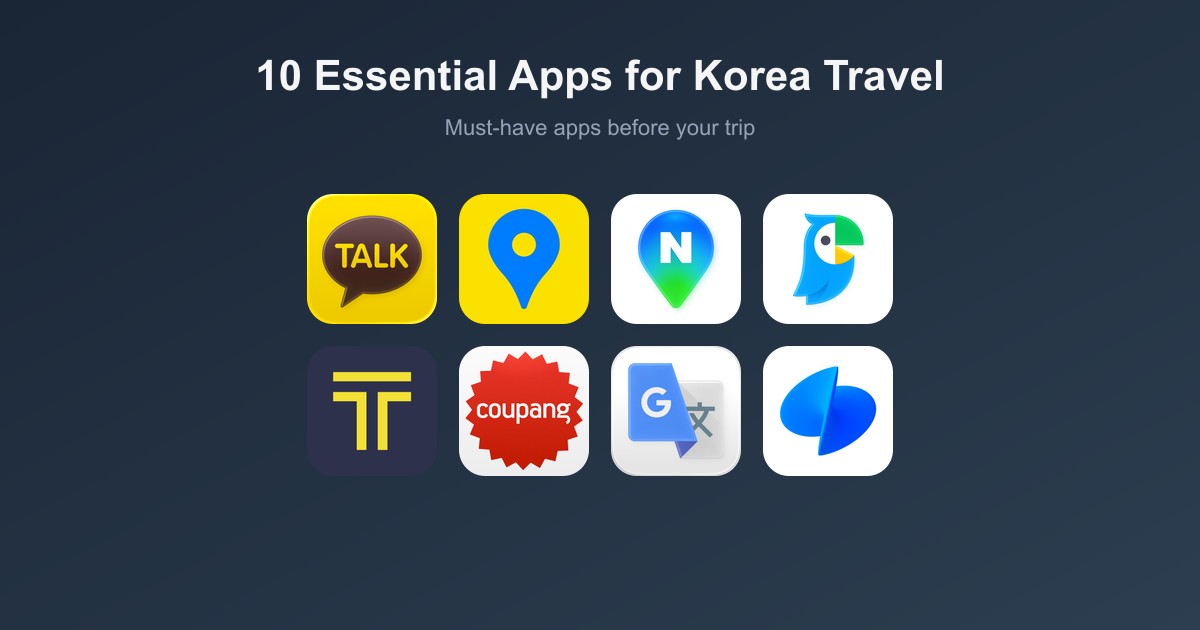
Korea is one of the most digitally connected countries on Earth. Having the right apps transforms your trip from confusing to effortless. Here are the 10 apps you absolutely need.
 1. Kakao Map
Category: Navigation · Free
The #1 navigation app in Korea. Google Maps has limited functionality in Korea due to national security regulations — Kakao Map is the local alternative.
- Walking, driving, and transit directions with real-time updates
- Real-time bus arrival information
- Indoor maps for subway stations and shopping malls
- English interface available
📱 Download: iOS App Store · Google Play
Search in Korean for the best results. Copy-paste Korean addresses from your hotel booking confirmation.
 2. Naver Map
Category: Navigation + Reviews · Free
Equally powerful as Kakao Map, with better restaurant reviews and photos. Many Koreans prefer Naver Map for finding food.
- Detailed transit directions with exit numbers
- Restaurant ratings and curated blog reviews
- Street View equivalent
- English interface available
📱 Download: iOS App Store · Google Play
Use Naver Map for finding restaurants — its review system is the most trusted in Korea.
 3. Papago
Category: Translation · Free
Developed by Naver, Papago is far more accurate for Korean-English translation than Google Translate.
- Text, voice, and camera (photo) translation
- Conversation mode for real-time dialogue
- Image translation for menus and signs
- Works offline (download the Korean language pack)
📱 Download: iOS App Store · Google Play
Use the camera feature to translate Korean menus in real-time — just point and shoot.
 4. Kakao T
Category: Transportation · Free
Korea's Uber equivalent. Uber exists in Korea but barely anyone uses it — Kakao T is the standard.
- Hail regular, deluxe, or van taxis
- See estimated fare before booking
- Pay with card in-app (no cash needed)
- Available in English
📱 Download: iOS App Store · Google Play
 5. KakaoTalk
Category: Messaging · Free
KakaoTalk is Korea's WhatsApp — over 95% of the Korean population has it installed.
- Free messaging and calls
- Essential for communicating with Korean contacts, tour guides, or Airbnb hosts
- Many restaurants accept KakaoTalk reservations
📱 Download: iOS App Store · Google Play
6. Subway Korea
Category: Transit · Free
The simplest, cleanest subway map app for Seoul's metro system.
- Route planning with transfer info
- Estimated travel time and fare
- First/last train times for each station
- Works offline
📱 Download: iOS App Store · Google Play
 7. Google Translate
Category: Translation · Free
A solid backup translation app. Use Papago as your primary, but Google Translate is useful for quick lookups.
- Camera translation for signs and menus
- Conversation mode
- Available offline
📱 Download: iOS App Store · Google Play
8. MangoPlate
Category: Food Discovery · Free
Korea's top restaurant review app — like a local Yelp but much more trusted.
- Curated restaurant rankings by neighborhood
- Photos and honest reviews from locals
- Filter by cuisine type, price, and location
- Available in English
📱 Download: iOS App Store · Google Play
 9. Coupang
Category: Shopping & Delivery · Free
Korea's Amazon — with rocket delivery (often same-day or next-day).
- Great for buying snacks, toiletries, or last-minute souvenirs
- Deliver to your hotel or Airbnb
- Coupang Eats for food delivery
📱 Download: iOS App Store · Google Play
Requires a Korean phone number for full functionality. Works best if you have a Korean SIM card.
 10. Toss
Category: Mobile Banking · Free
Korea's leading fintech super-app. Useful if you set up a Korean bank account, but also great for splitting bills with Korean friends.
- Simple money transfers
- Bill splitting
- QR code payments
📱 Download: iOS App Store · Google Play
Download Checklist
Download and set up these apps before your trip:
| App | Use | Priority |
|---|---|---|
| Kakao Map | Navigation | ⭐⭐⭐ Must-have |
| Naver Map | Navigation + food | ⭐⭐⭐ Must-have |
| Papago | Translation | ⭐⭐⭐ Must-have |
| Kakao T | Taxis | ⭐⭐ Recommended |
| KakaoTalk | Messaging | ⭐⭐ Recommended |
| Subway Korea | Metro map offline | ⭐⭐ Recommended |
| Google Translate | Translation backup | ⭐ Optional |
| MangoPlate | Restaurant discovery | ⭐ Optional |
Best Korea Travel Apps by Use Case — Quick-Pick Guide
The 10 apps above are all worth downloading, but if you are deciding which to open in the moment, the answer depends entirely on what you are trying to do. Here is a use-case-first breakdown so you can reach for the right app without guessing.
Navigation: Kakao Map vs Naver Map
Both apps cover Korea comprehensively — Google Maps is not a reliable option here because Korean law restricts high-resolution map data from leaving the country. The question is which Korean map app to prioritise.
- Kakao Map — better for transit (bus and subway integrated), indoor maps in stations and malls, and point-to-point walking routes. The English interface is cleaner for first-time visitors.
- Naver Map — better when you are choosing where to go rather than how to get there. Its restaurant listings pull in genuine Korean blog reviews, which are a more reliable signal than star ratings alone.
Which to pick: Install both, but set Kakao Map as your default for getting around and switch to Naver Map when scouting restaurants or local spots.
Translation: Papago vs Google Translate
Papago (by Naver) outperforms Google Translate on Korean for two reasons: it was trained specifically on Korean-English pairs, and it handles the contextual formality levels of Korean more accurately. Use Papago camera mode for menus and signs — point, shoot, and the Korean text is replaced on screen with English. Google Translate is useful as a fallback when Papago hits an unknown term.
Which to pick: Papago first for Korean. Keep Google Translate installed for any other language you might encounter.
Transport & Taxi
- Kakao T — the dominant taxi-hailing app in Korea. Drivers see your pickup pin on their map, so language is not a barrier. Pay by card in-app or cash on arrival. For intercity buses and trains, see our Korea Transportation Guide.
- Subway Korea — offline subway map covering all Korean metro systems (Seoul, Busan, Daegu, Daejeon, Gwangju, Incheon). Tap a station to see platform layouts and transfer walk times. Works without data.
Which to pick: Kakao T for any taxi or ride; Subway Korea as your offline transit bible inside stations.
Food & Dining Discovery
- Naver Map — the most used restaurant-finding tool in Korea. Korean users leave detailed photo reviews; filter by neighbourhood or category to surface highly visited spots that do not always appear on foreign travel blogs.
- MangoPlate — English-friendly restaurant discovery with curated picks and a bilingual interface, useful when you want English context before committing to a reservation.
Which to pick: Naver Map for volume and local signal; MangoPlate when you want English descriptions to cross-reference the choice.
Shopping & Delivery
Coupang is South Korea's largest e-commerce platform with same-day or next-day delivery to most addresses. For travellers staying in one place for more than a few days, it is practical for toiletries, snacks, phone accessories, and anything a convenience store does not carry. The app is Korean-language only but product pages are navigable with Papago camera mode. Note: delivery requires a Korean address; most accommodations accept Coupang parcels at the front desk.
Payments & Money
Toss is a Korean fintech super-app used for peer-to-peer transfers, bill splitting, and checking card spending. As a foreign visitor you are unlikely to use Toss for transfers (it requires a Korean bank account), but the spending tracker is useful if you link a foreign card through the Toss card feature. For a full breakdown of how payments work in Korea — T-money cards, cash norms, and which foreign cards are accepted — read our Korea Money & Payments Guide.
Communication
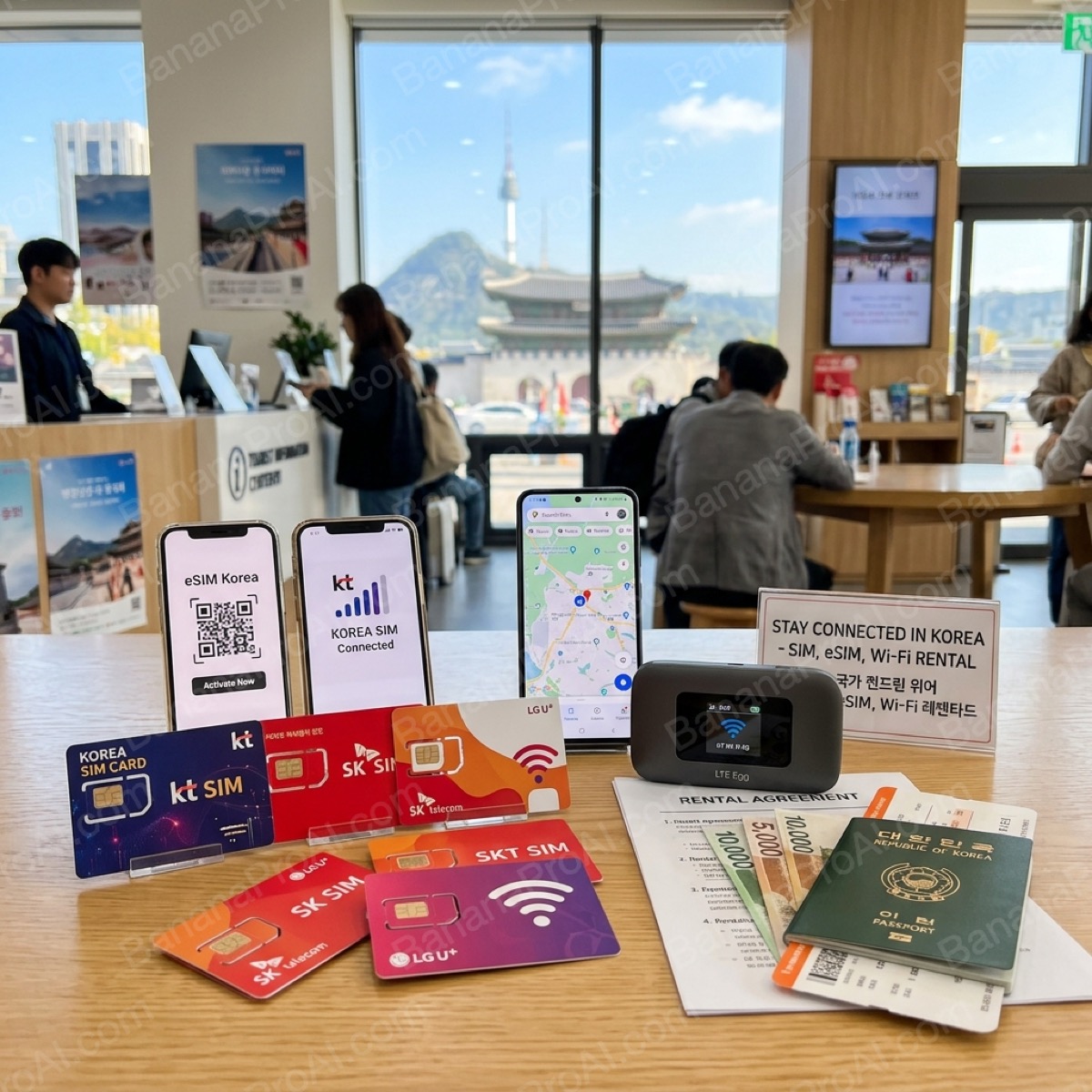
KakaoTalk is the default messaging app for virtually every person in Korea. If you are meeting locals, joining a group tour, or staying at a guesthouse, your host will almost certainly contact you via KakaoTalk. Set it up before you land. For SIM card and data options so your apps stay connected throughout the trip, see our Korea SIM Card & Wi-Fi Guide.
Minimum Viable App Stack (5 apps)
If you only want to install five apps before your flight, prioritise: Kakao Map (navigation), Papago (translation), Kakao T (taxis), KakaoTalk (communication), and Subway Korea (offline transit). Add Naver Map and Toss once you are on the ground and have settled in.